
My words
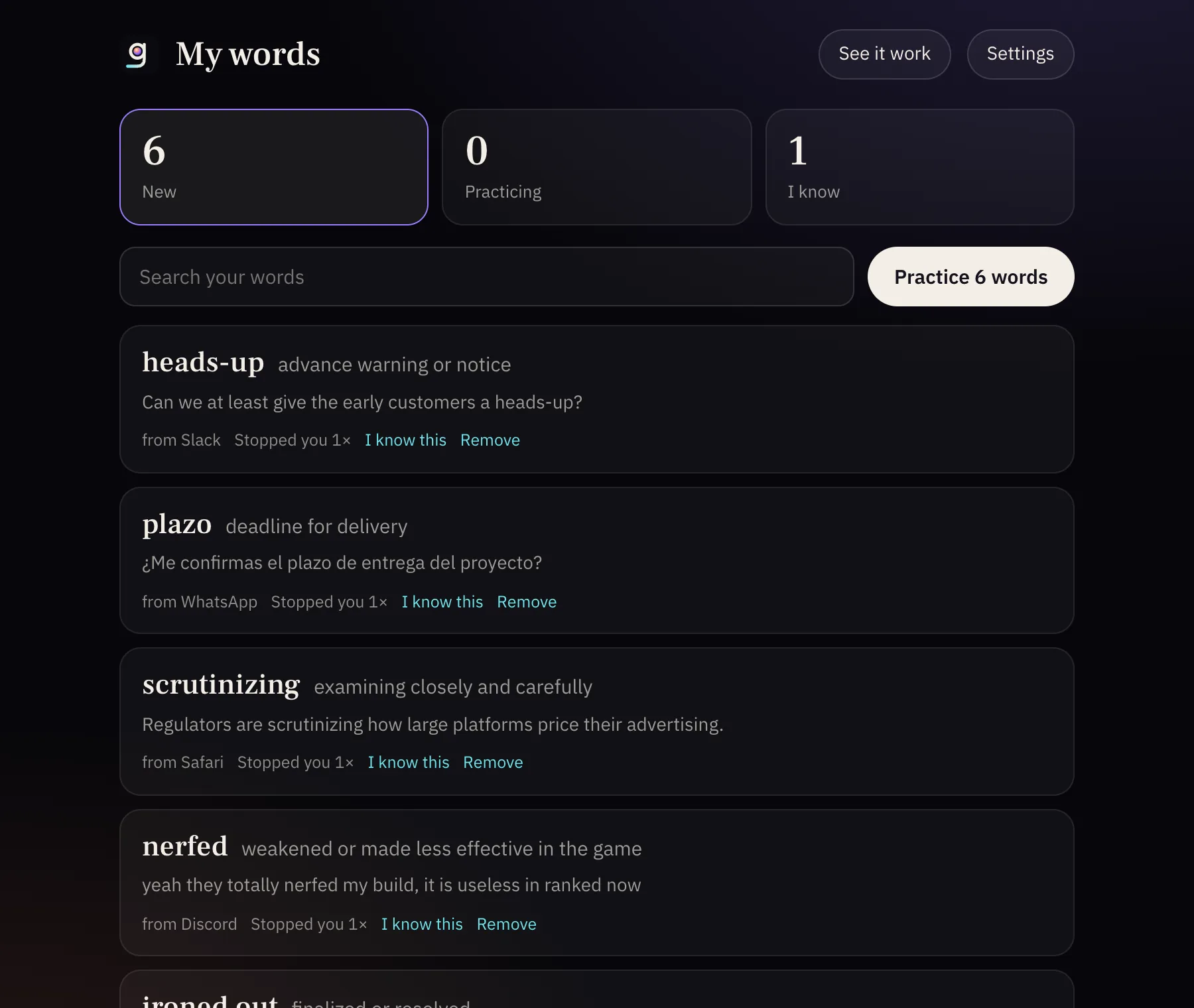
Every word you stopped on, with its meaning, its sentence and the app it came from. It stays on your Mac.
Mark it, press your shortcut, and the lesson opens right beside it. In your inbox, without moving your eyes.
Noa Levi to you
Re: Q3 shipment
Hi,
Before the next order is released, we need to the July and August invoices.
Just a : finance closes the books on Friday, so the figures have to match by then.
Can you the warehouse team?
Thanks,
Noa
Sample lessons. Click a marked word to try it.
Mark a word
The lesson opens here.
we need to reconcile the July invoices
In an email, a chat or an article. Nothing to copy, nowhere to go.
One you choose when you install Gloss. The lesson opens beside the word, in your own language.
Meaning: advance warning or notice
Can we at least give the early customers a ?
The word is saved with its sentence. You practice it later, spread over days.
Every word you stopped on, with its meaning, its sentence and the app it came from. It stays on your Mac.
Talk with your tutor for up to 90 seconds. It listens to your sentence and corrects you.
Email, team chat, community chat, articles. Mark a word or a whole sentence.
Business moves in a language you are still learning. Gloss teaches you inside the work you already have to do, a word at a time.
1
Shortcut, chosen by you when you install
10
Languages your lesson can be taught in
90 s
Longest voice lesson with your tutor
Seven days free, then one simple subscription. Your card is needed to start and nothing is charged until the seven days end.
Billed once a year after your 7 free days.
Prices in USD. Taxes, where they apply, are shown at checkout. For Mac, macOS 13 or later.
Everything included
What people ask before they start.
With those you copy the word, go somewhere else and come back. With Gloss you stay where you are: mark the word, press your shortcut, and the lesson opens beside it, explained for the exact message you are reading.
